Connect your relay proxy
1
Open the QR scanner
Open the v2rayNG home screen, tap the plus button in the top-right corner, and select Scan QR code.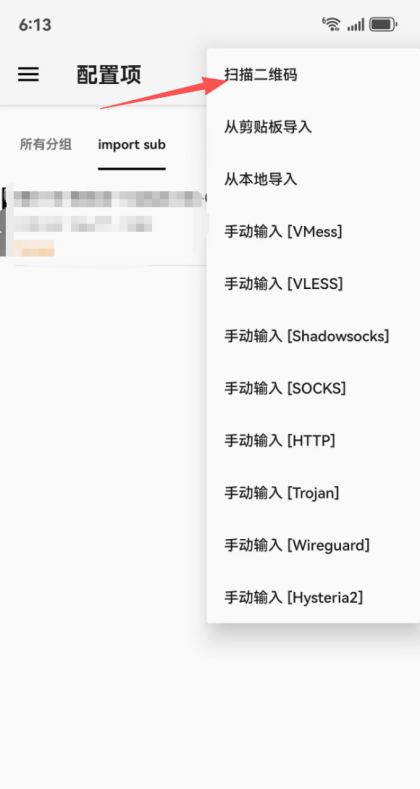
2
Scan and import the v2rayNG QR code
On the MiyaIP website, open the relay proxy QR code for your purchased IP, select V2ray, and scan its QR code to import the node.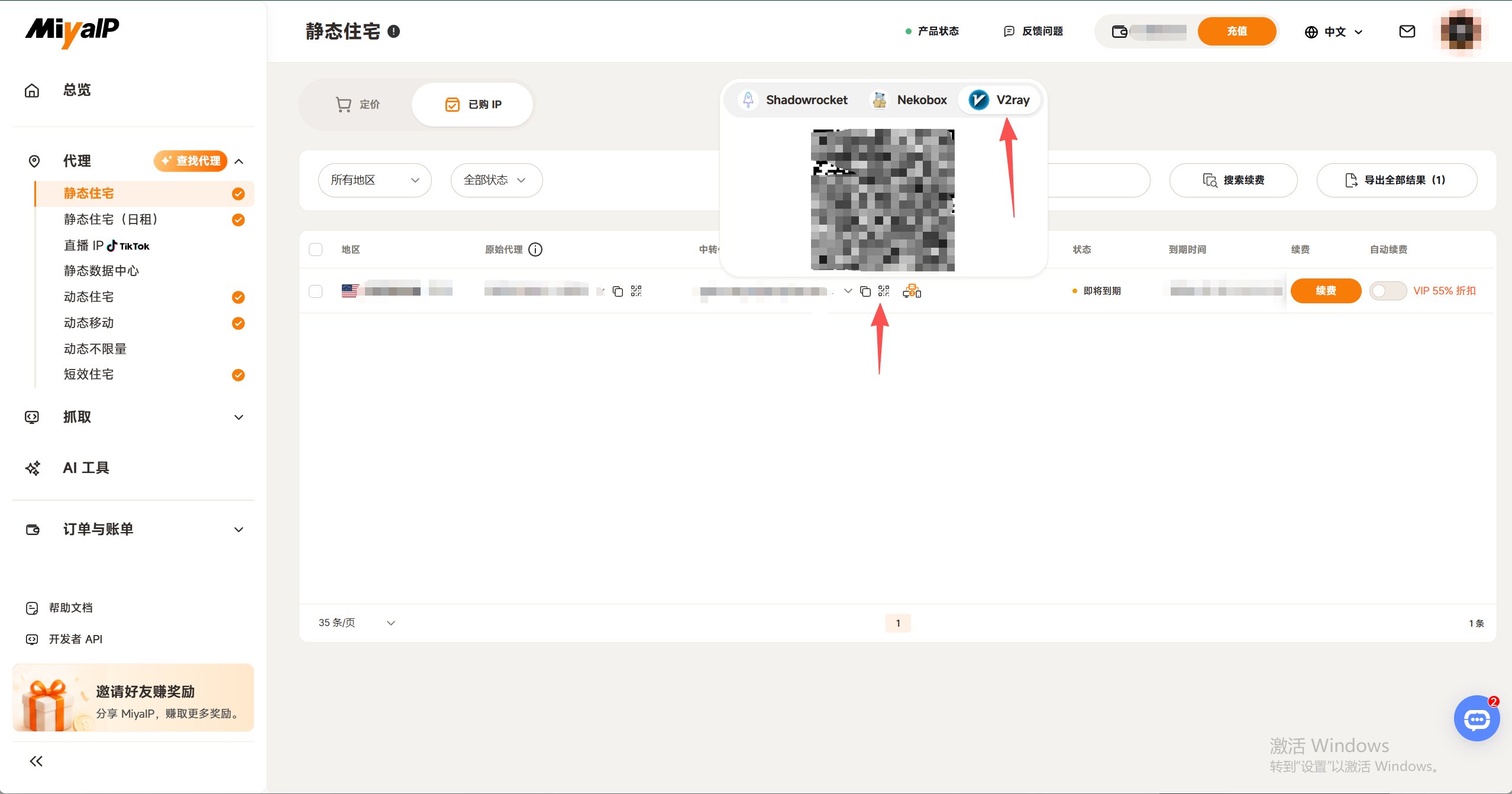
3
Connect and check your exit IP
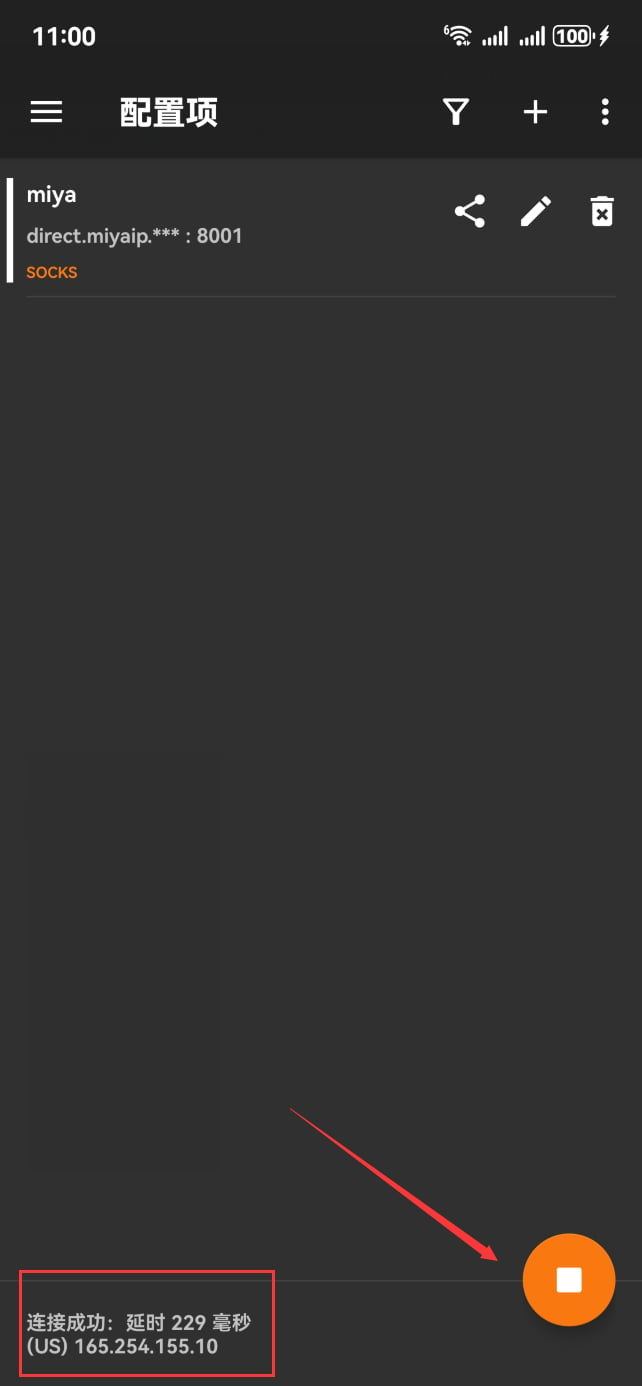
Select the imported node, tap the start button at the bottom, and tap the blank area to test connection latency.