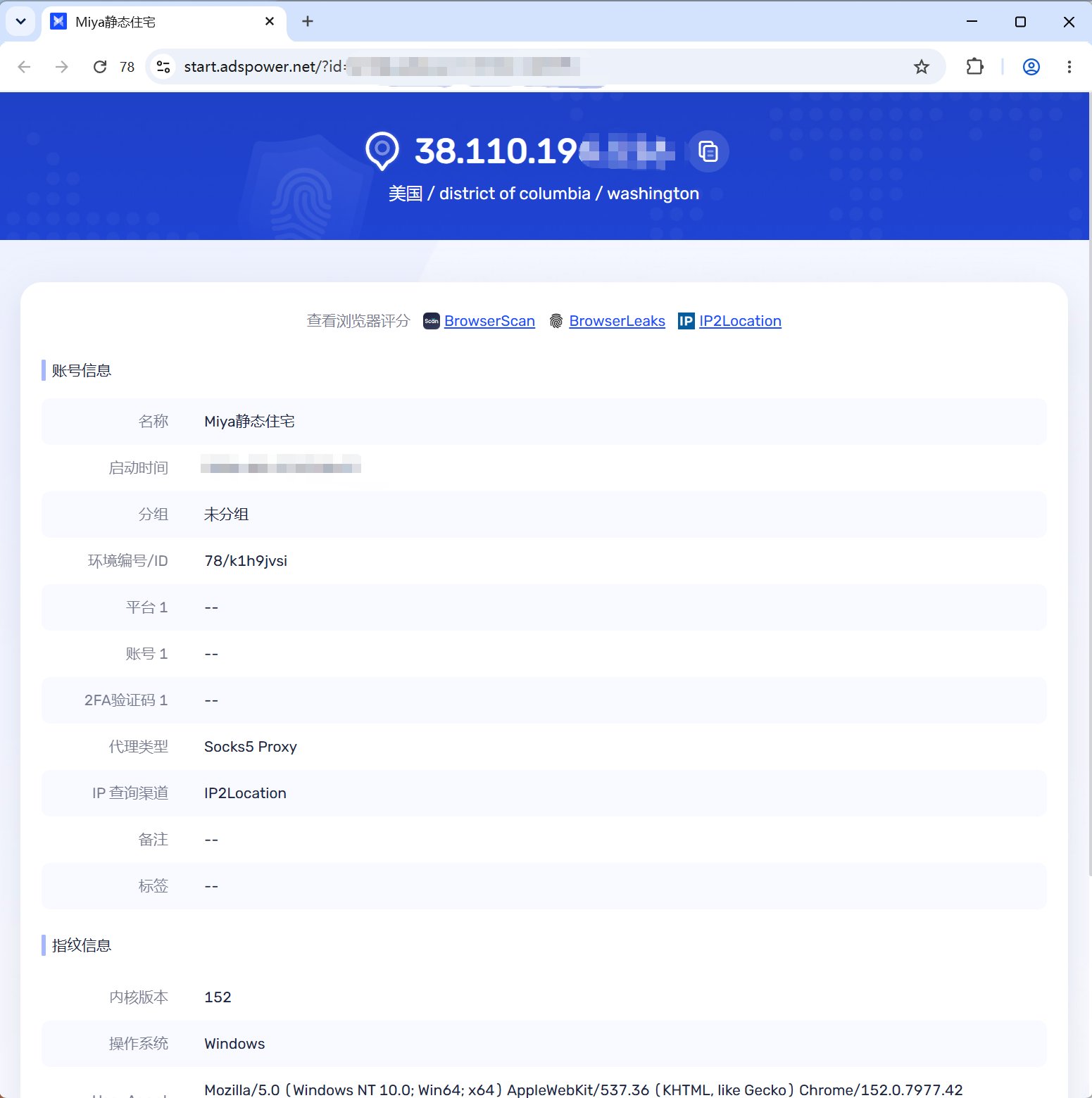
This tutorial demonstrates a relay proxy. Close other proxy or VPN tools on your computer before using it.
1
Retrieve your proxy details
Log in to the MiyaIP dashboard and find the IP you want to use under Purchased static proxies. Retrieve its relay proxy details: host address (IP), port, username, and password.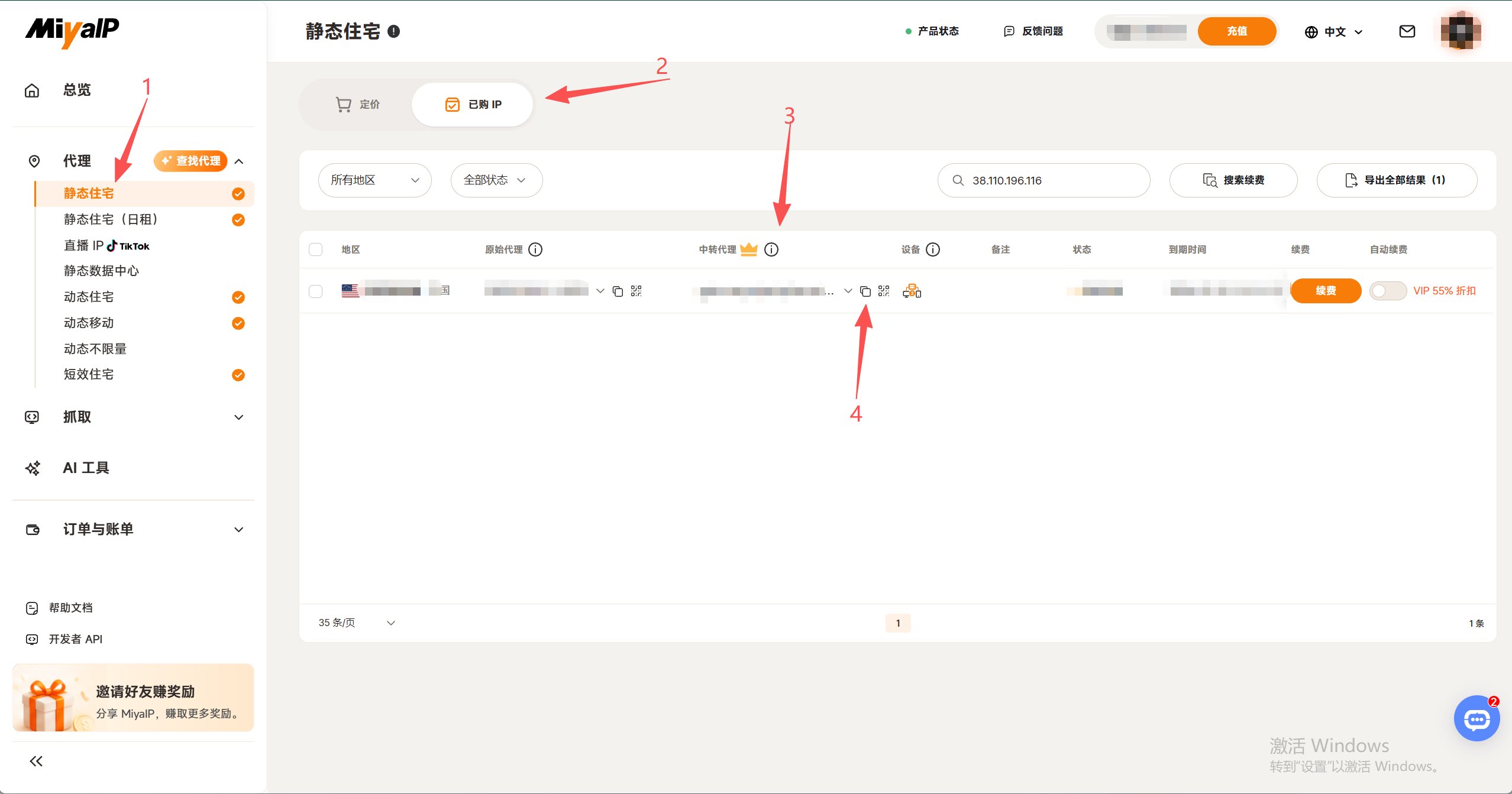
2
Create a browser profile
Log in to AdsPower, then complete the following: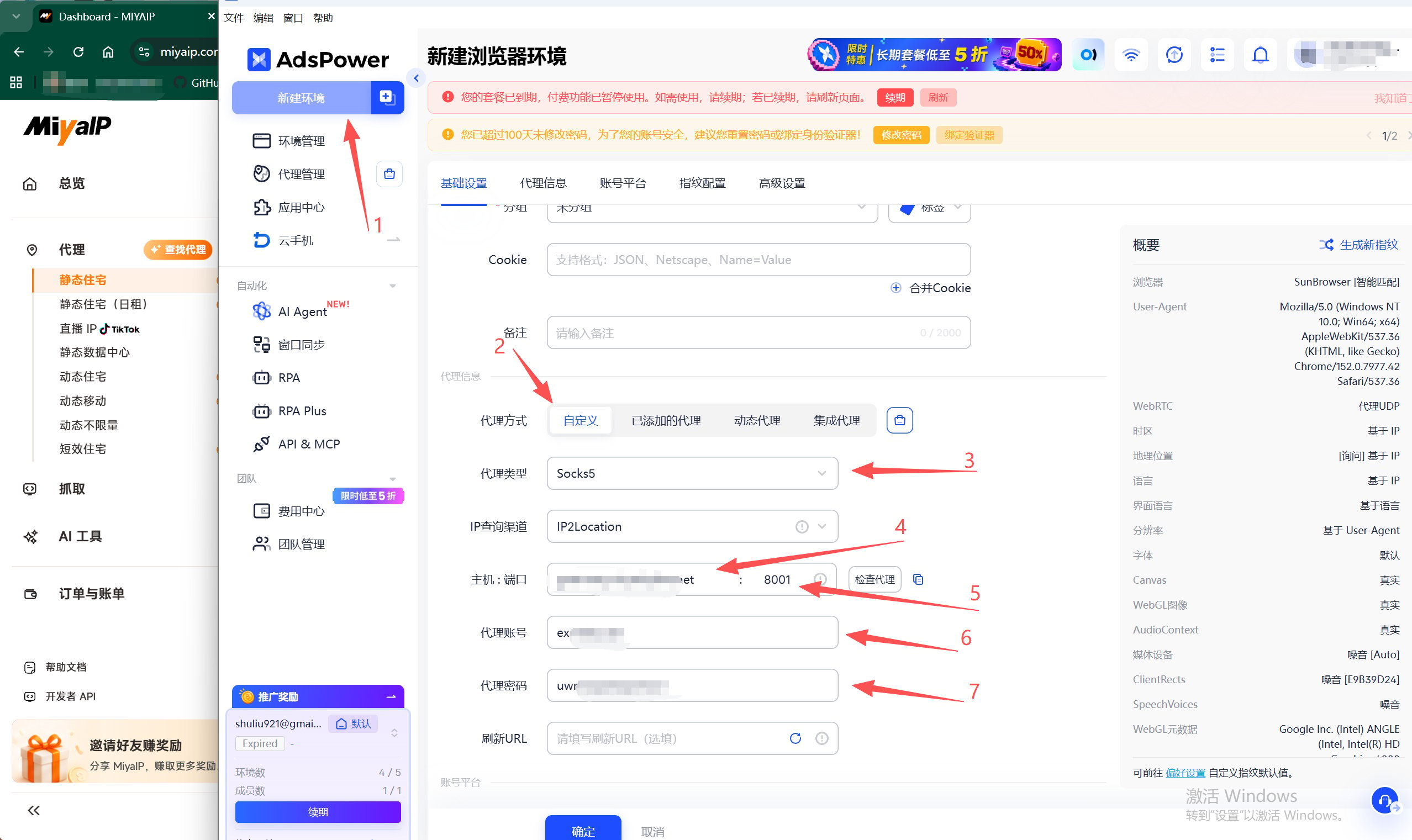
- Click New browser and enter the environment name and browser parameters you need.
- Find Proxy configuration and set Proxy method to Custom.
- Set Proxy type to
Socks5,HTTP, orHTTPS, according to the proxy details you retrieved. - Enter the host address (IP), port, username, and password in their corresponding fields.
- Click Check proxy. Once the test succeeds, click OK to save the browser profile.
3
Open the browser to use the proxy
In the browser profile list, click Open on the right of the profile to start using your MiyaIP static proxy.